
When aiming to boost your console’s performance, there are key strategies to consider that can elevate your gaming experience to the next level. By implementing simple yet effective techniques like optimizing storage space, staying on top of system updates, fine-tuning display settings, and ensuring a reliable network connection, you can significantly enhance your console’s capabilities. But there’s one crucial aspect often overlooked that could make all the difference in your gaming sessions.
Console Storage Management
To maximize console performance, ensure you manage console storage efficiently. Console storage plays a crucial role in maintaining optimal performance levels. Start by regularly organizing your games and applications. Delete any unused or unnecessary files to free up space and improve loading times. Consider investing in an external hard drive if you find yourself running out of storage frequently. This won’t only expand your storage capacity but also help in organizing your library effectively.
Additionally, keep an eye on your downloads and updates. Delete old downloads that you no longer need to save space for new content. Be mindful of automatic downloads and updates, as they can quickly fill up your storage without you realizing it. Managing your downloads manually can prevent unnecessary clutter and ensure that your console runs smoothly.
System Software Updates
Keep your console up to date by regularly installing system software updates. System software updates are crucial for optimizing performance, improving security, and adding new features to your console. By staying current with the latest updates, you ensure that your console runs smoothly and efficiently.
Failing to update your system software can lead to performance issues, compatibility problems, and security vulnerabilities. Manufacturers release updates to address bugs, enhance system stability, and provide better overall user experience. Ignoring these updates may result in slower loading times, crashes, or even expose your console to potential security risks.
To check for system software updates, navigate to the settings menu on your console and look for the system update option. Make it a habit to regularly check for updates and install them as soon as they become available. Keeping your console’s software up to date is a simple yet effective way to ensure optimal performance and enjoy a seamless gaming experience.
Adjusting Display Settings
Optimize your gaming experience by customizing your console’s display settings to suit your preferences and enhance visual clarity. Start by adjusting the brightness and contrast levels. Properly balancing these settings can help improve visibility in darker areas of games while preventing overly bright spots from washing out details.
Next, fine-tune the resolution to match your TV or monitor’s native capabilities. Selecting the highest resolution supported by your display can significantly enhance image quality.
Consider adjusting the color settings to achieve vibrant and accurate hues. Experiment with saturation and temperature controls to find the perfect balance that makes visuals pop without appearing oversaturated or washed out. Additionally, explore the option to enable features like HDR (High Dynamic Range) if your display supports it. HDR can expand the range of colors and brightness levels, delivering more realistic and immersive visuals.
Lastly, don’t forget to adjust the screen size and aspect ratio settings to ensure that images are properly scaled and centered on your display. Fine-tuning these settings can help eliminate overscan issues and ensure that you’re getting the best possible visuals from your console.
Enhancing Network Connectivity
Improve your console’s performance by optimizing network connectivity for seamless online gaming experiences. Start by ensuring your console is connected to a high-speed internet connection to reduce lag and latency during gameplay. Use a wired Ethernet connection instead of Wi-Fi whenever possible for a more stable and consistent connection. Position your router close to your console, away from potential interference sources like microwaves or cordless phones.
Regularly check for firmware updates for both your console and router to take advantage of performance enhancements and security patches. Consider setting up Quality of Service (QoS) on your router to prioritize gaming traffic for a smoother online experience. Limit the number of devices using the network while gaming to allocate more bandwidth to your console.
Investing in a gaming router with advanced features like MU-MIMO technology can further enhance network performance. Lastly, if you continue to experience connectivity issues, reach out to your internet service provider for assistance in troubleshooting and optimizing your network setup. By implementing these network connectivity enhancements, you can elevate your online gaming experience to new levels of enjoyment.
Trending Products
-
Sale!

Alienware 16 Aurora Gaming Laptop AC16250-16″ WQXGA 120Hz Display, Intel Core 7-240H Processor, 16GB DDR5 RAM, 1TB SSD, NVIDIA GeForce RTX 5050 8GB Graphics, Windows 11 Home, Onsite Service – Blue
Original price was: $1,249.99.$899.00Current price is: $899.00. Buy product -
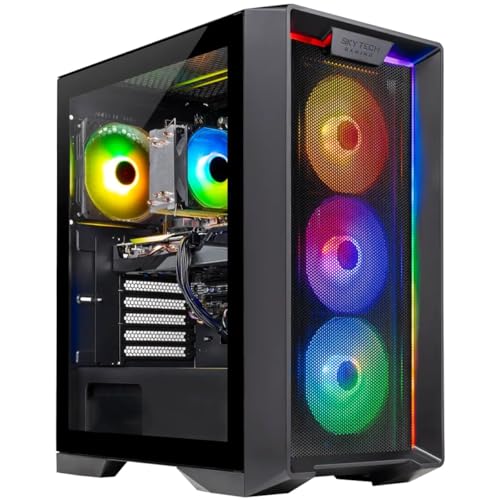
Skytech Gaming Nebula Gaming PC, Intel i5 14400F 2.5GHz, NVIDIA RTX 5060, 1TB NVMe SSD, 16GB DDR5 RAM 6000, 650W Gold PSU, Wi-Fi, Win 11, Desktop
$1,129.99 Buy product -

CyberPowerPC Gamer Xtreme VR Gaming PC, Intel Core i5-13400F 2.5GHz, GeForce RTX 5060 8GB, 16GB DDR5, 1TB PCIe 4.0 SSD, WiFi Ready & Windows 11 Home (GXiVR8060A40)
$1,008.99 Buy product -
Sale!

LG 32GS60QC-B Ultragear 32-inch Curved Gaming Monitor QHD (2560×1440) 180Hz 1ms 1000R AMD FreeSync HDR10 HDMIx2 DisplayPort Borderless Design Black Stabilizer DAS Crosshair FPS Counter – Black
Original price was: $299.99.$199.99Current price is: $199.99. Buy product -
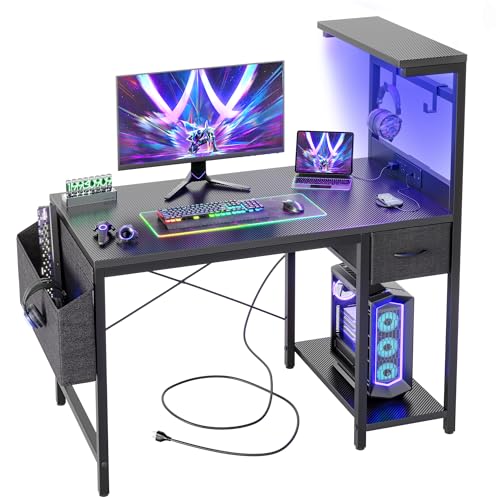
TIQLAB Gaming Desk 40 inch with Power Outlet and LED Light, Computer Desk with Reversible Shelves and Storage Drawer, Small PC Desk for Home Office Table with Bag, Carbon Fiber Black
$99.99 Buy product -
Sale!

Dowinx Gaming Chair Fabric with Pocket Spring Cushion, Massage Game Chair Cloth with Headrest, Ergonomic Computer Chair with Footrest 290LBS, Black and Grey
Original price was: $189.99.$169.99Current price is: $169.99. Buy product -
Sale!
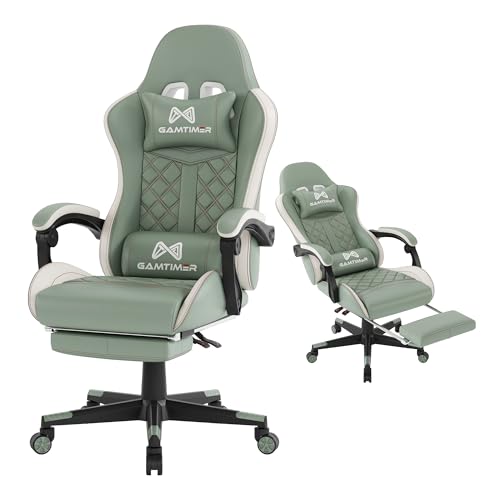
Gaming Chair, 400 lbs Adult Chair, High Back Computer Chair with Footrest and Linked Armrests, Office Video Game Chair with Lumbar Support (Green)
Original price was: $179.99.$149.99Current price is: $149.99. Buy product -
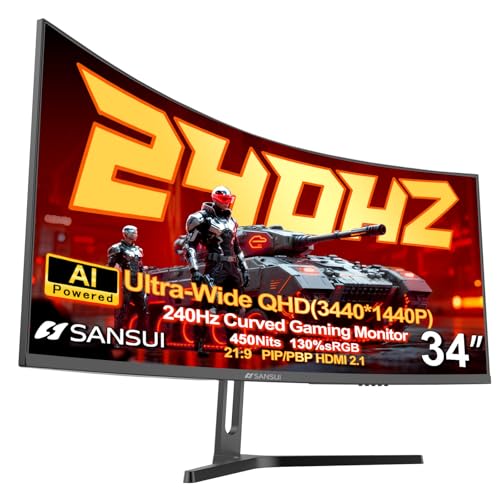
SANSUI 34 Inch 240Hz Ultrawide Curved Gaming Monitor UWQHD 3440×1440, 21:9 2K Curved Monitor 1500R,HDR400,Fast VA, PIP/PBP,AI Crosshair,AIPQ(Visual Enhance),MPRT 1ms,HDMI2.1*2,DP1.4*2(DP Cable Incl.)
$329.99 Buy product -
Sale!
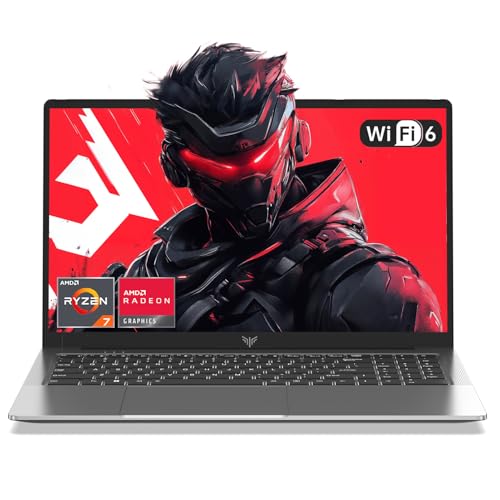
2026 New Gaming Laptop with AMD Ryzen7 5000 Series(Up to 4.3GHZ,8C/16T),AMD Radeon Graphics,16GB DDR4x2 512GB SSD Windows Laptop Computer with Numeric Keyboard,15.6 inch IPS Display,WIFI6
Original price was: $999.99.$499.99Current price is: $499.99. Buy product -
Sale!

AOC 27G4H 27 inch Gaming Monitor, Full HD 1920×1080, IPS Panel, 200Hz 0.3ms MPRT, G-sync Compatible, 1x HDMI 2.0, 1x Display Port, HDR, Height Adjustable, sRGB 120.3%, 3-Year Zero-Bright-Dot
Original price was: $139.99.$119.99Current price is: $119.99. Buy product






Leave a Reply
You must be logged in to post a comment.